Nolato Password policy for computers, IQMS and e-mail accounts
Your password must meet the following requirements.
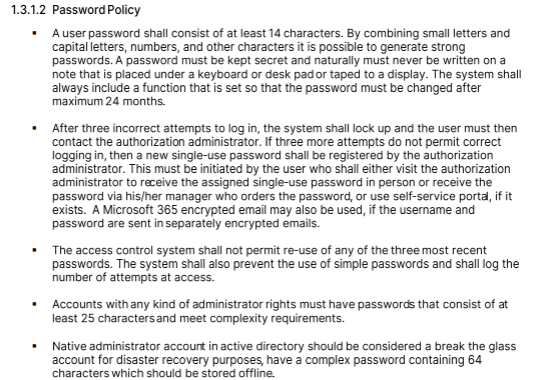
• At least 14 characters long
• May not contain the user's account name
• English uppercase characters (A through Z)
• English lowercase characters (a through z)
• Base 10 digits (0 through 9)
• Non-alphabetic characters (for example, $, #,*)
• Is valid for 2 years after reset
• May not be the same as the last 4 passwords used
If you type your password incorrectly 3 times, your account will be locked out and you have to create a help ticket to have it unlocked. If you still cannot log in, you will be sent a new temporary password.
To reset passwords
Windows: Press Control + Alt + Delete and select Change Password
IQMS: Check Change Password on Login when logging into IQMS.
Email: Follow these instructions https://nolatocontour.freshdesk.com/en/support/solutions/articles/69000829467-how-to-change-outlook-365-email-password