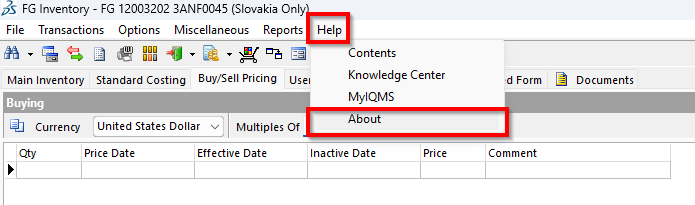
In the window, go to help then about.
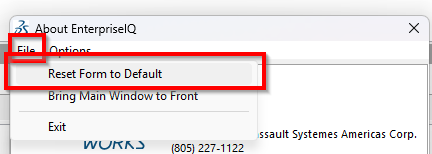
Click file then reset form to default.
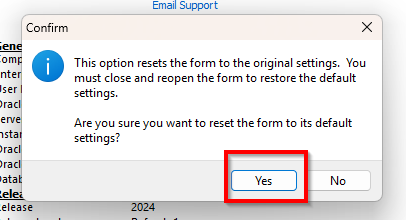
Click yes on the window below.
After you reset, close and re-open IQMS and see if that fixes the issue.

Modified on: Thu, 8 Jan, 2026 at 9:19 AM
Did you find it helpful? Yes No
Send feedback