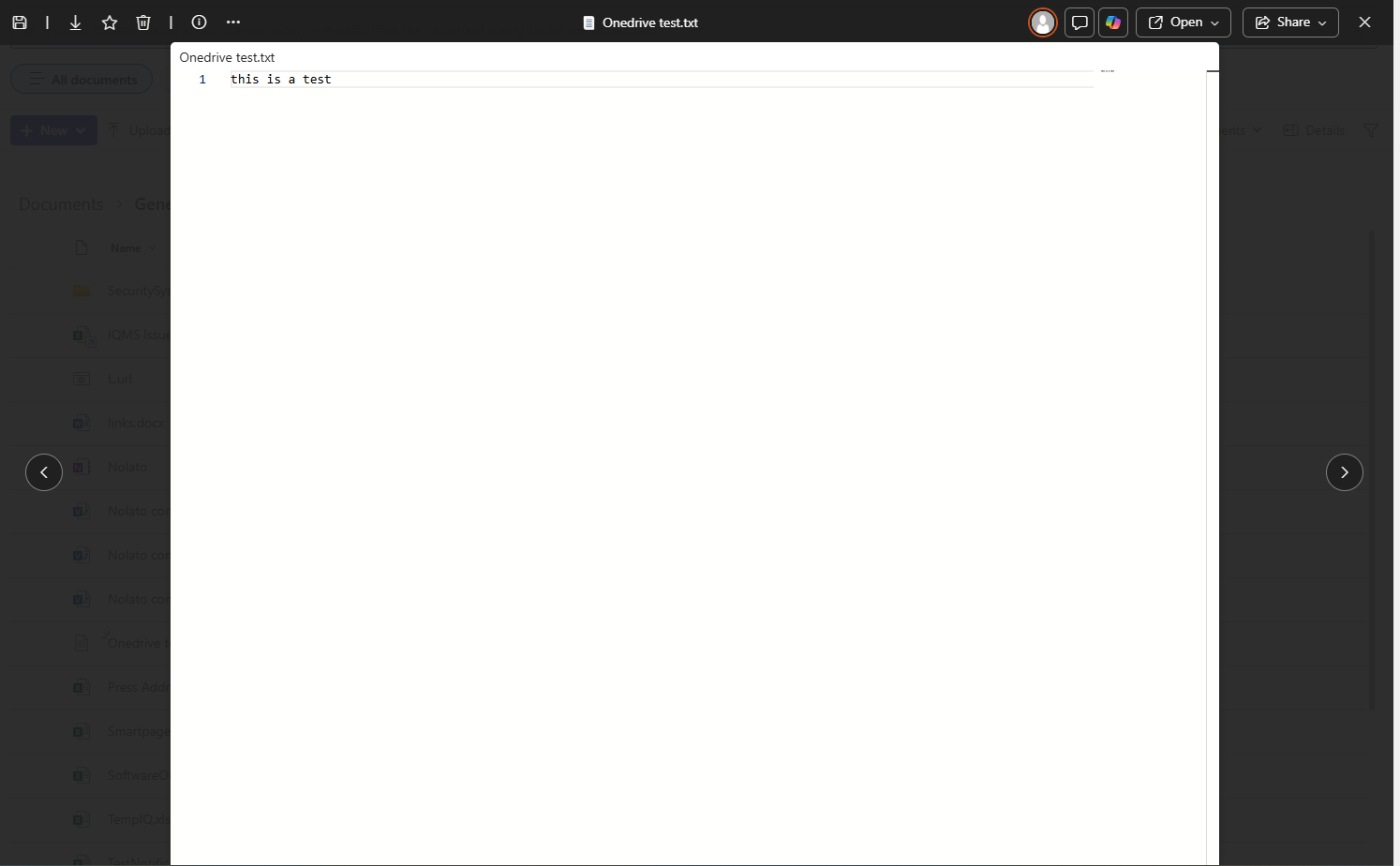
To share a file that is larger than 25 MB (the maximum size allowed by the email server), follow the steps below:
1. Upload the document to a Microsoft Teams group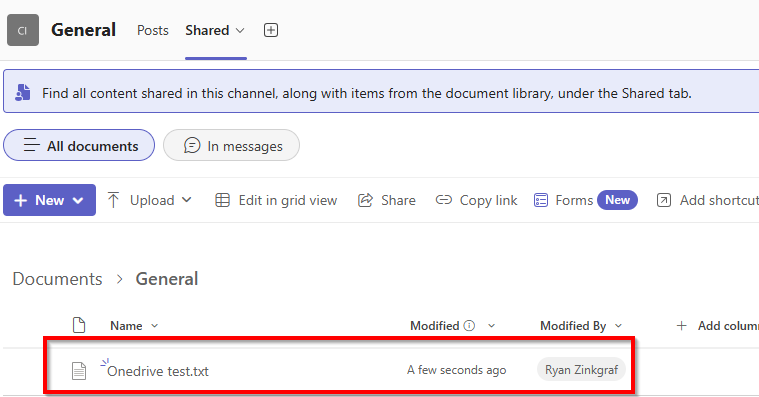
2. Click the three dots (⋯) next to the uploaded file and select Share.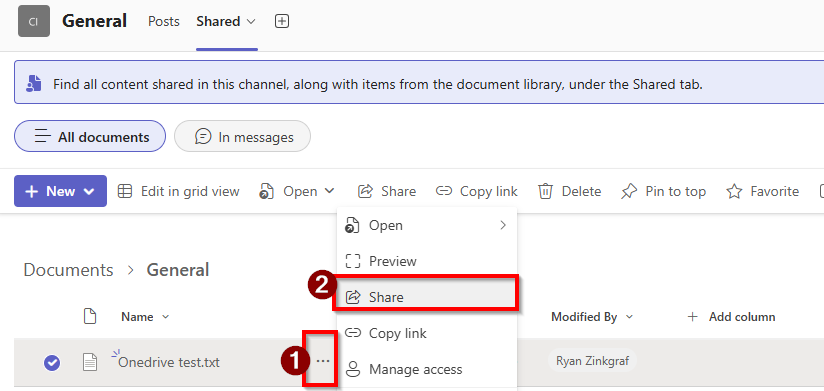
3. Enter the email address of the person you want to send the file to.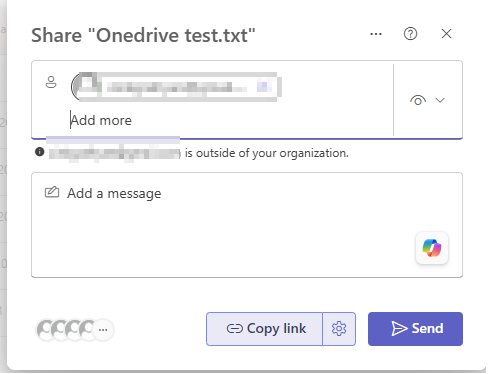
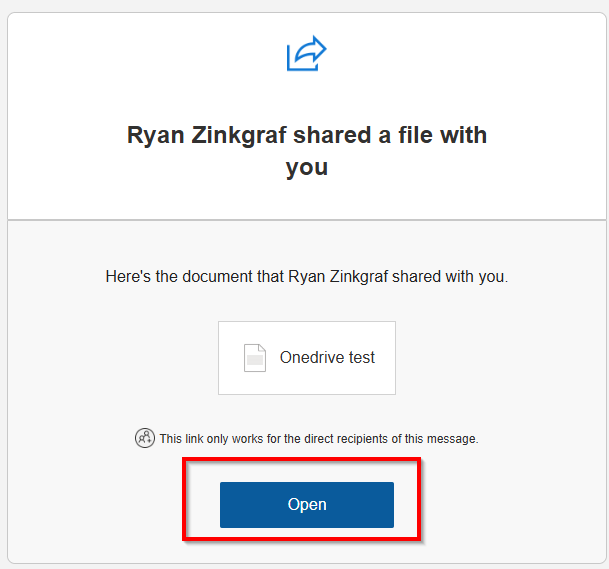
4. The recipient will receive an email. In the email, they should click Open.
5. They will be taken to a page where they must enter their email address and click Next.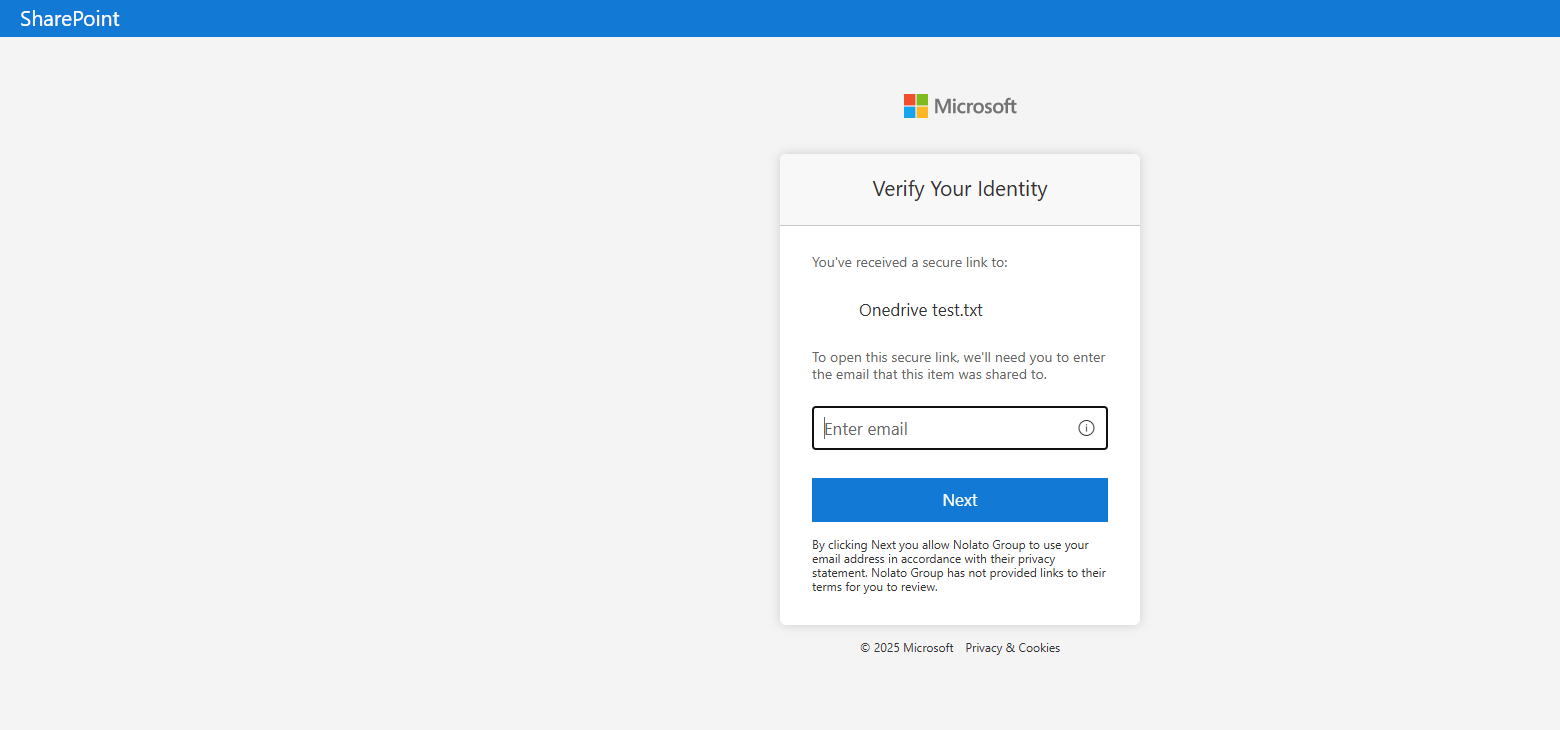
6. They will then receive another email containing an authentication code. 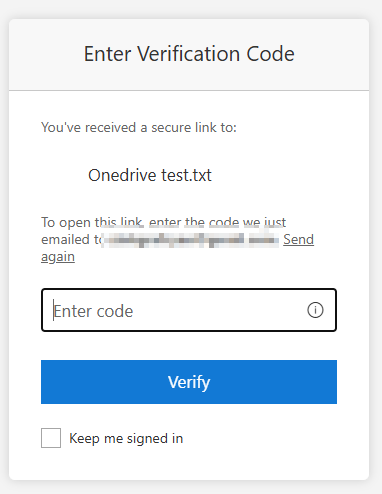
7. After entering the authentication code, they will be able to open the file.