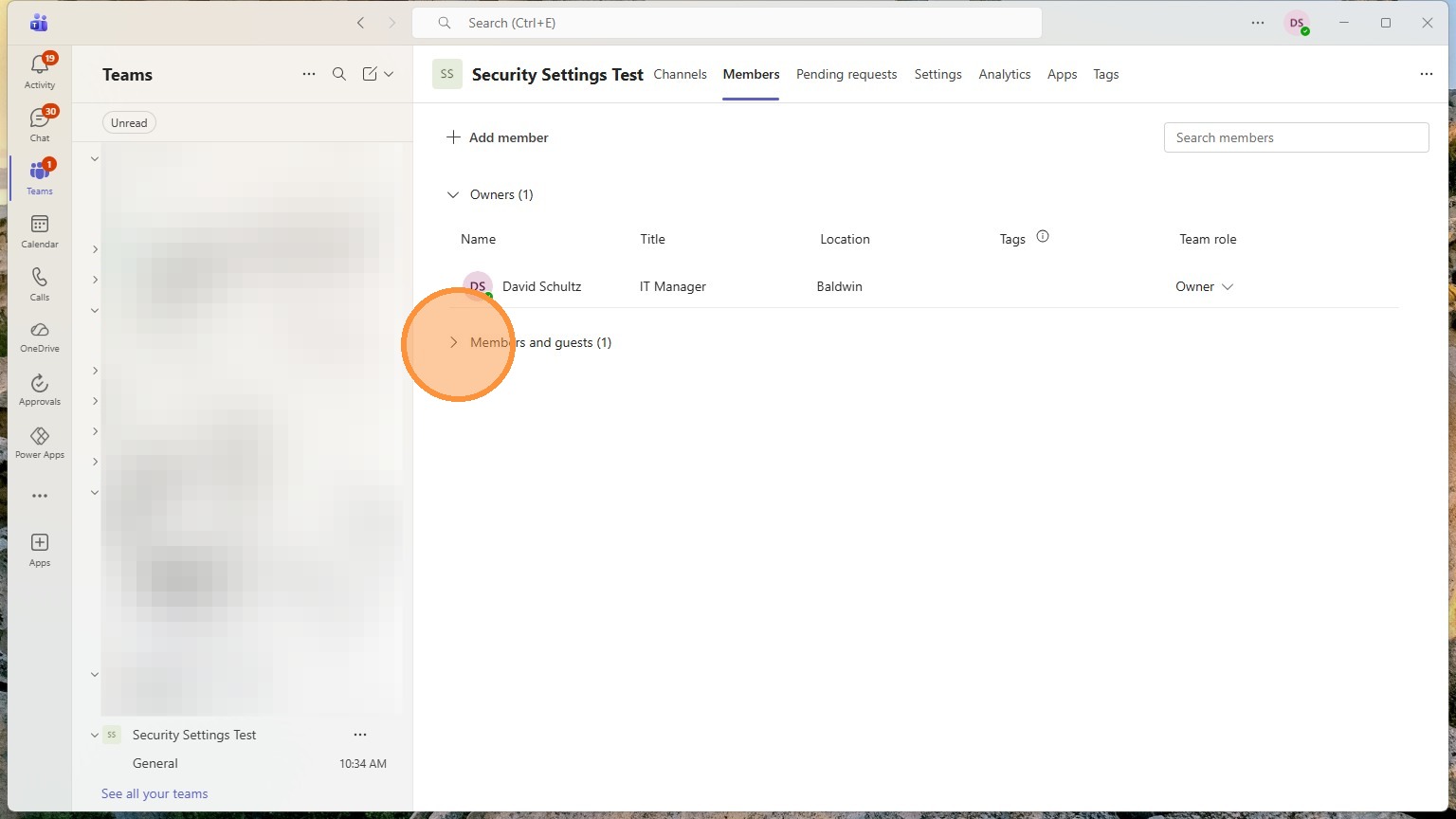
Create the team
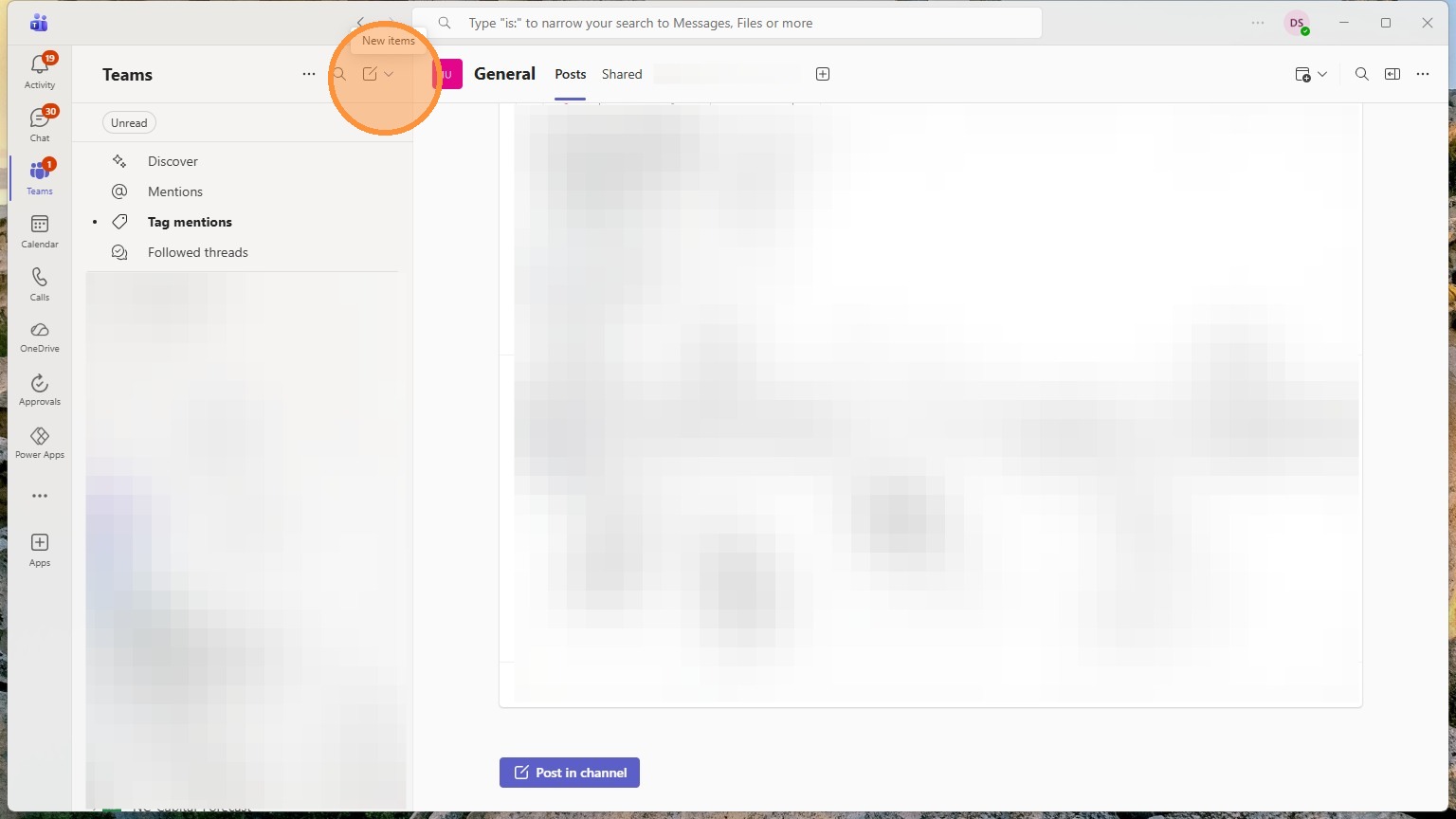
1. Click New Items
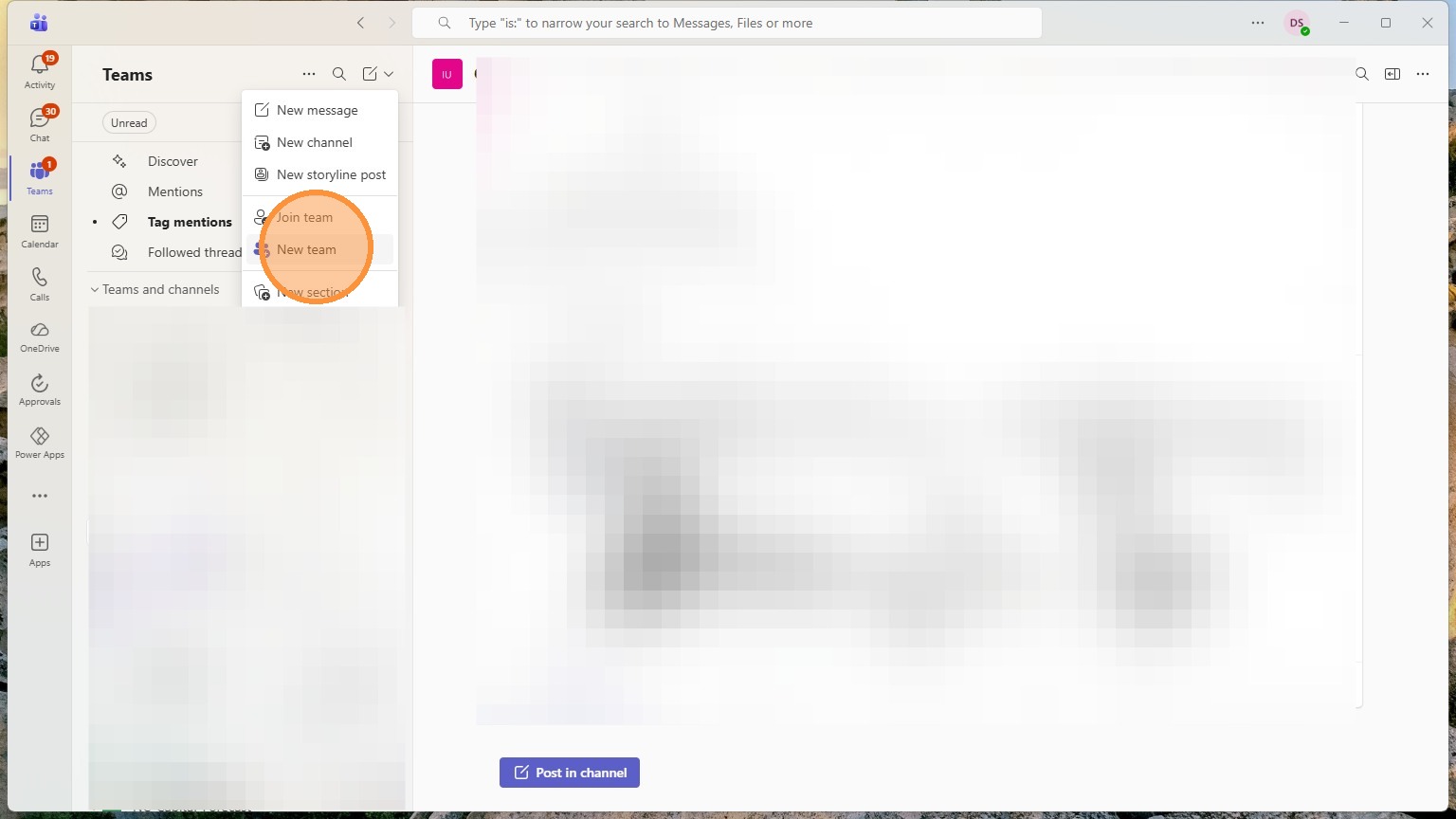
2. Click "New team"
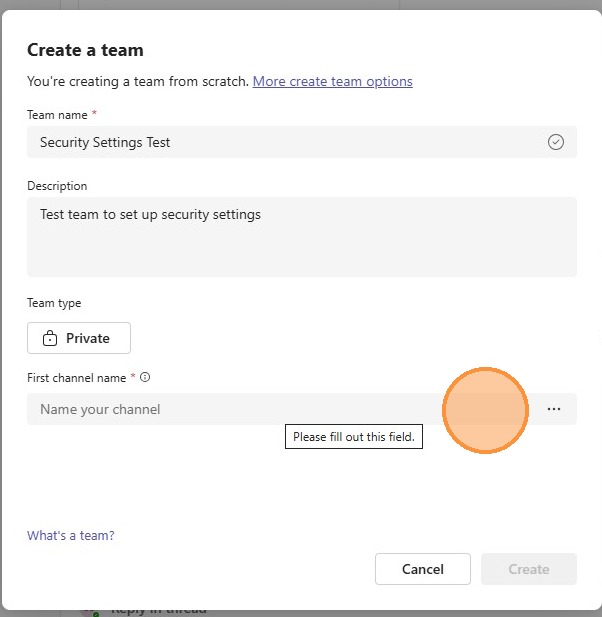
3. Name your team and add a description
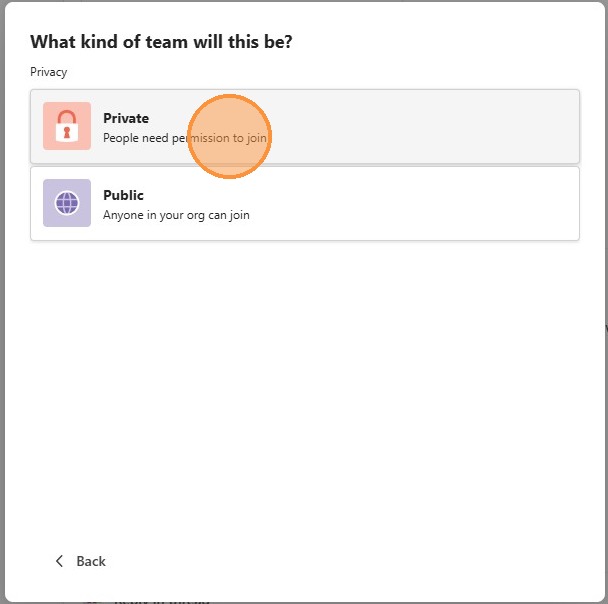
Click "Private"
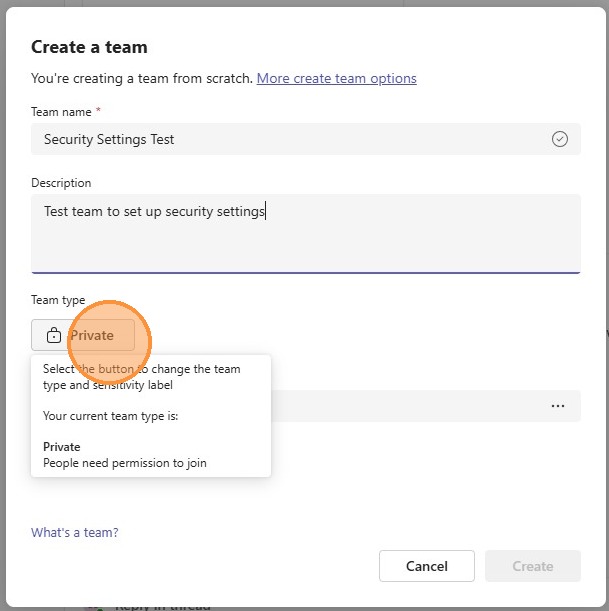
4. Click "Private People need permission to join" to prevent anyone from seeing it.
5. Click "First channel name" Name this what you want
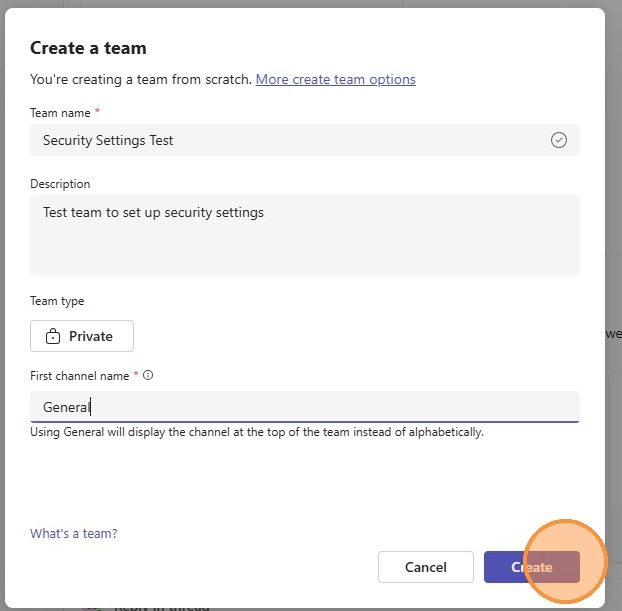
6. Click "Create"
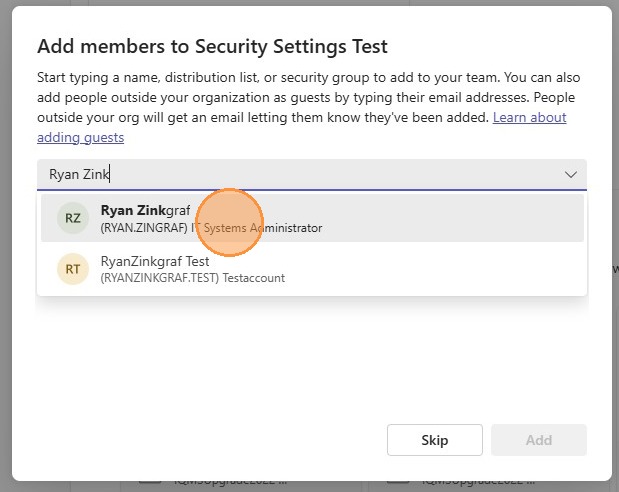
7. Start typing someone's name that you want in the team and select them
8. You can select the member button to change them to an owner (can make team changes)
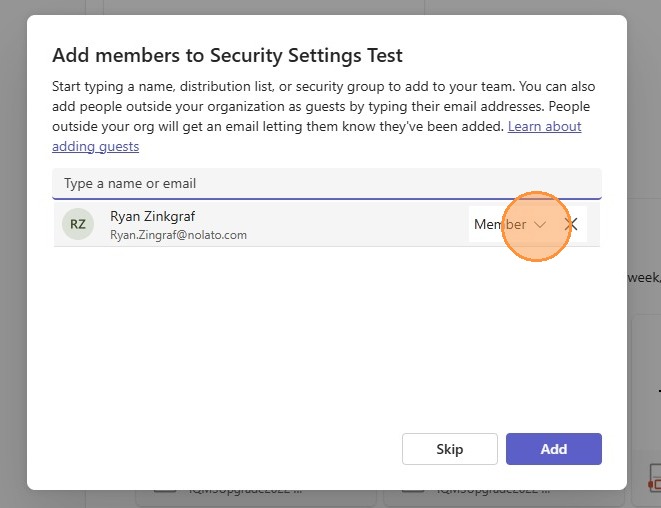
9. Click "Add member"
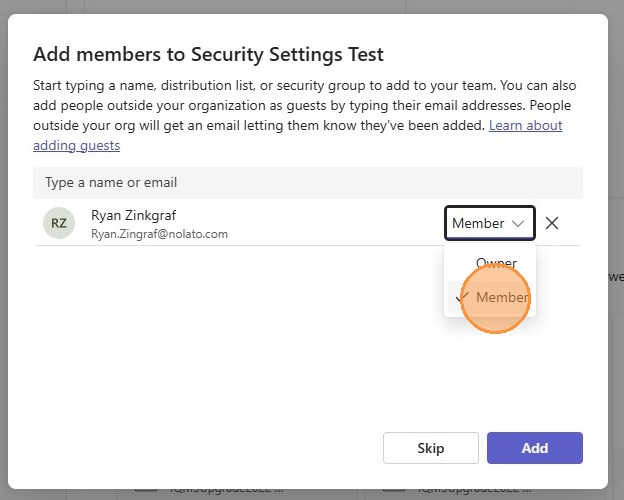
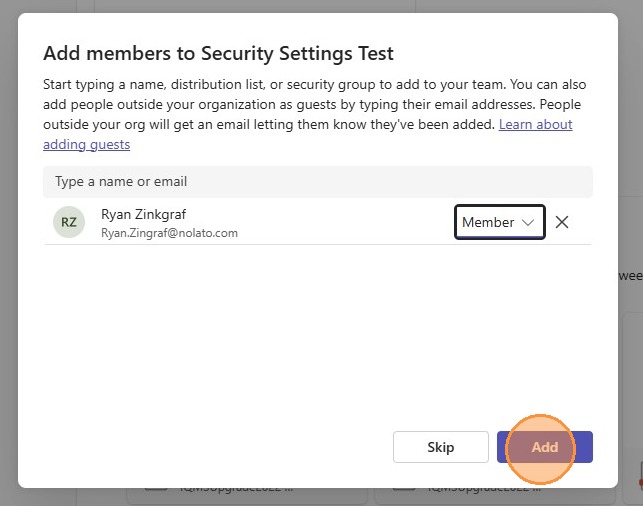
10. Click "Add"
Create a shared folder
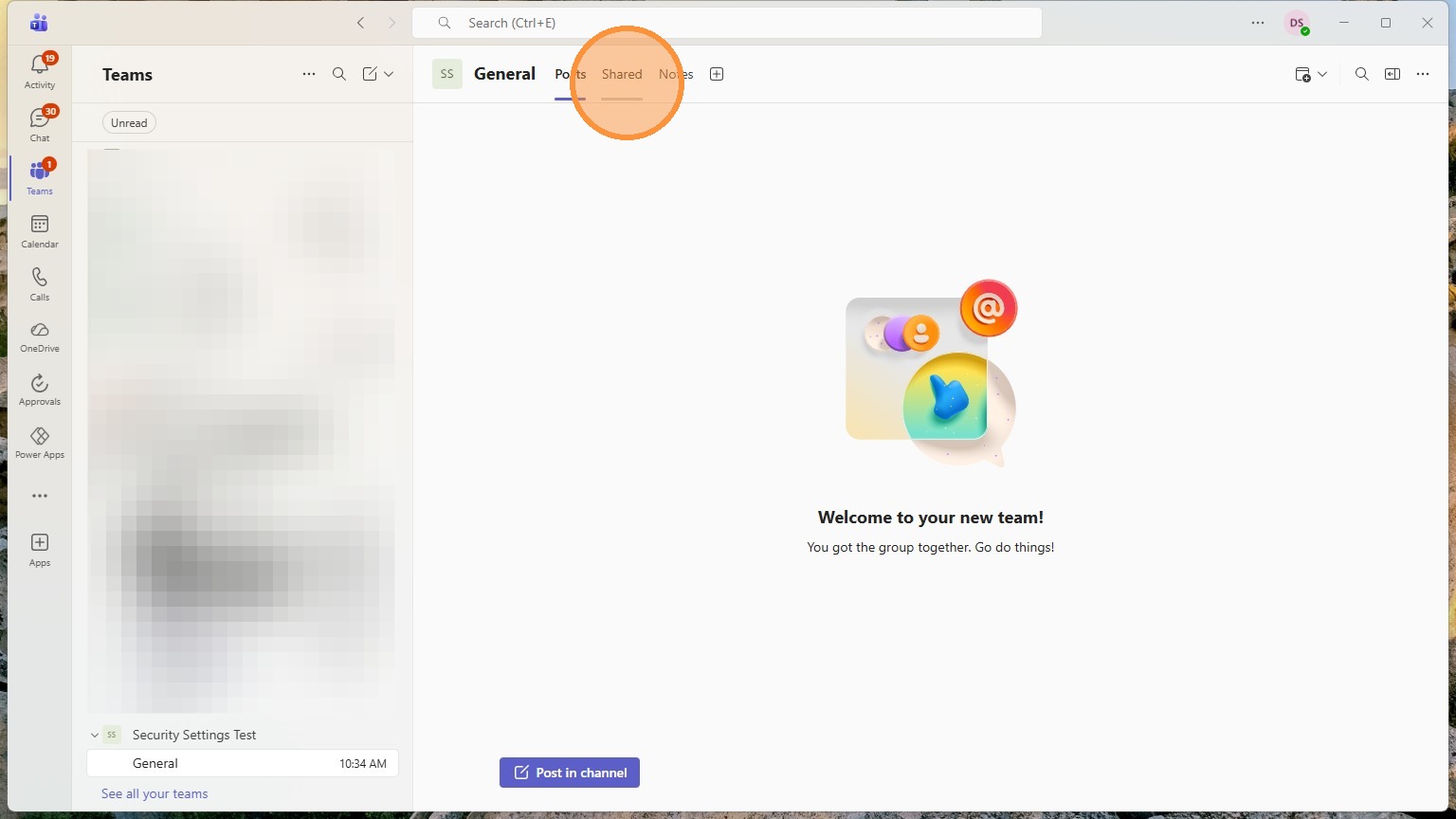
Any folders in here can have their own custom privacy settings. Anything in here will start with the teams privacy settings though.
11. Click "Shared"
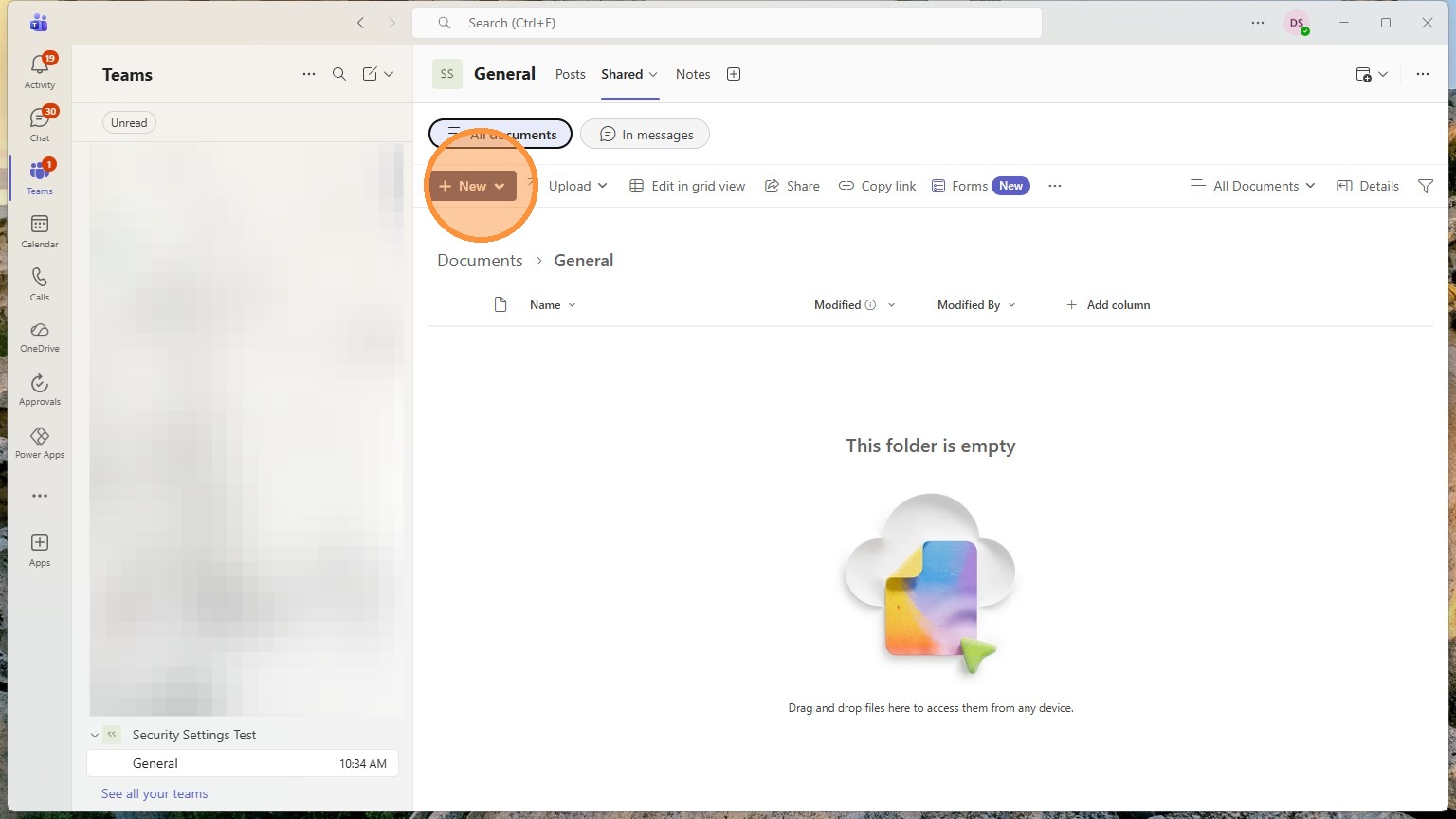
12. Click "New"
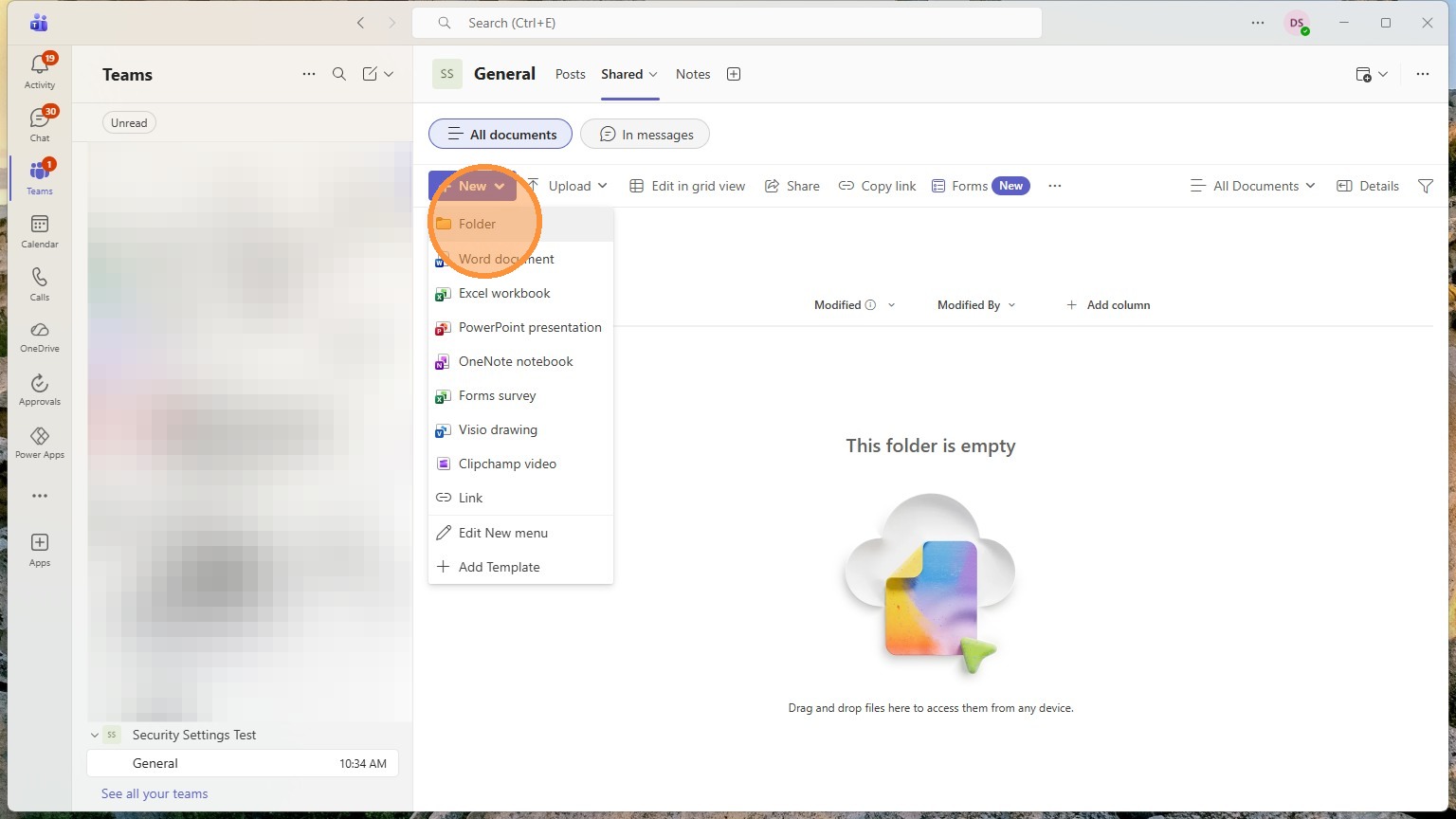
13. Click "Folder"
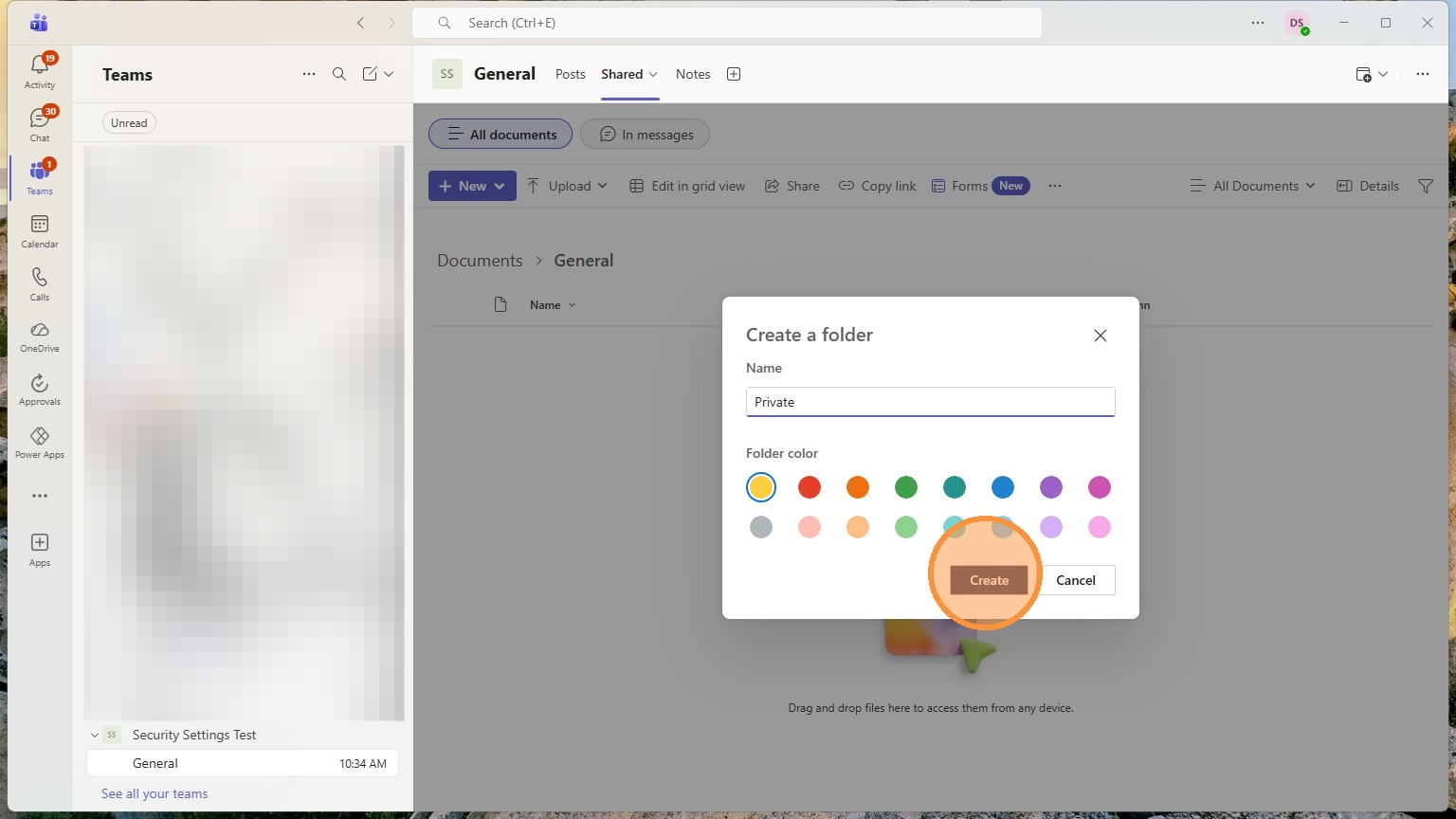
14. Click "Create"
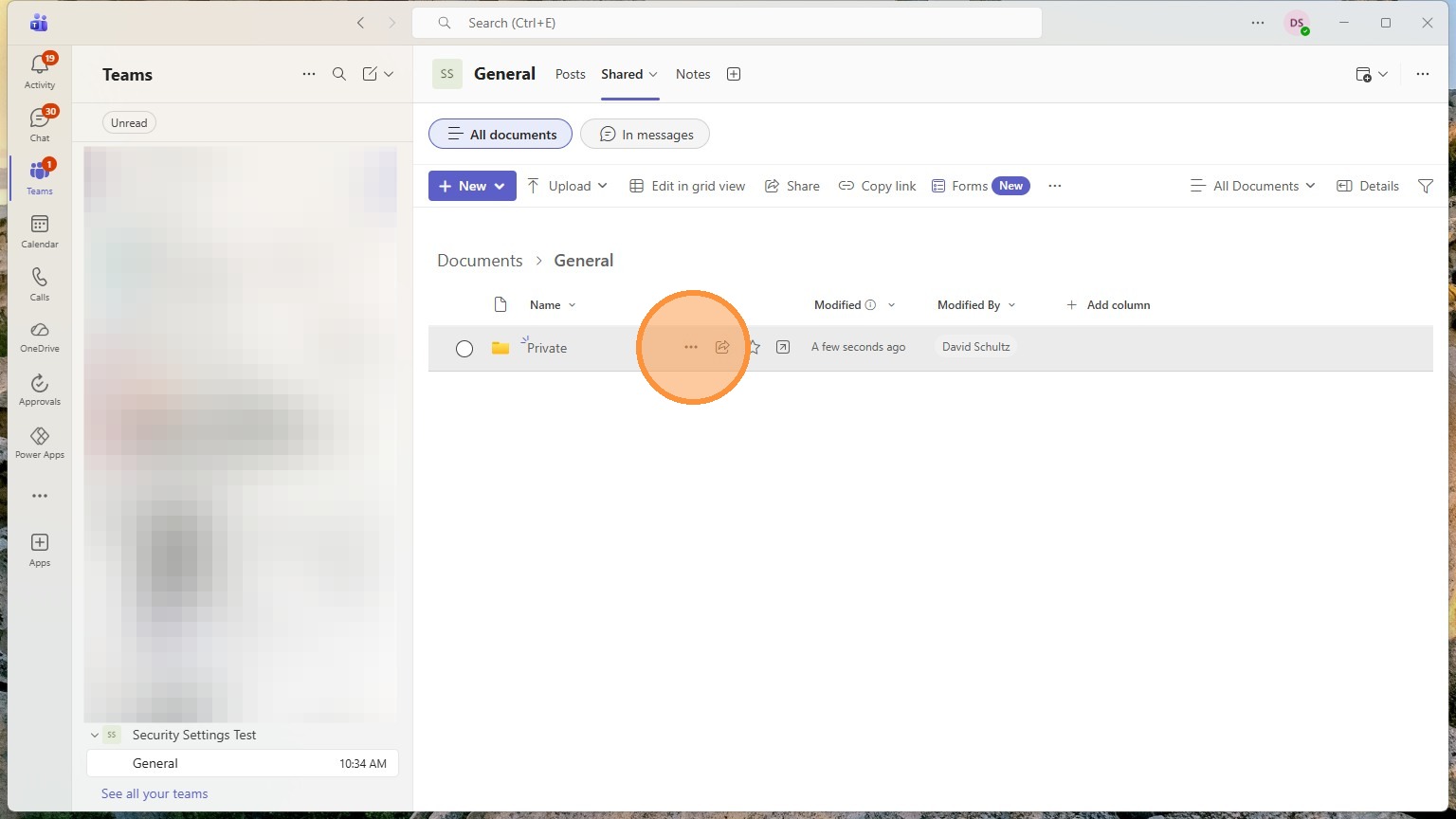
Verify privacy settings and share
15. Click "More Actions"
16. Click Manage Access
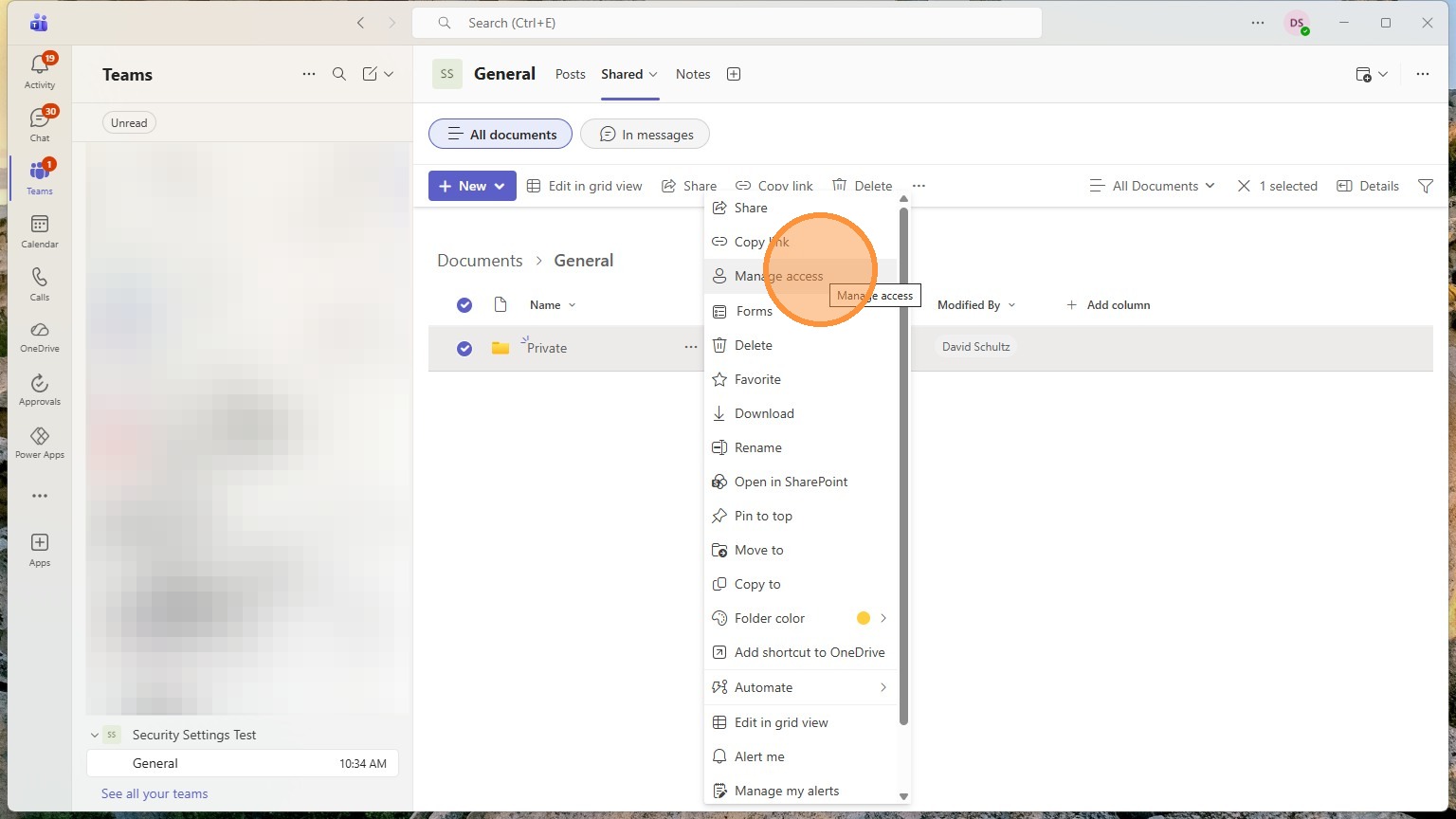
17. Click here
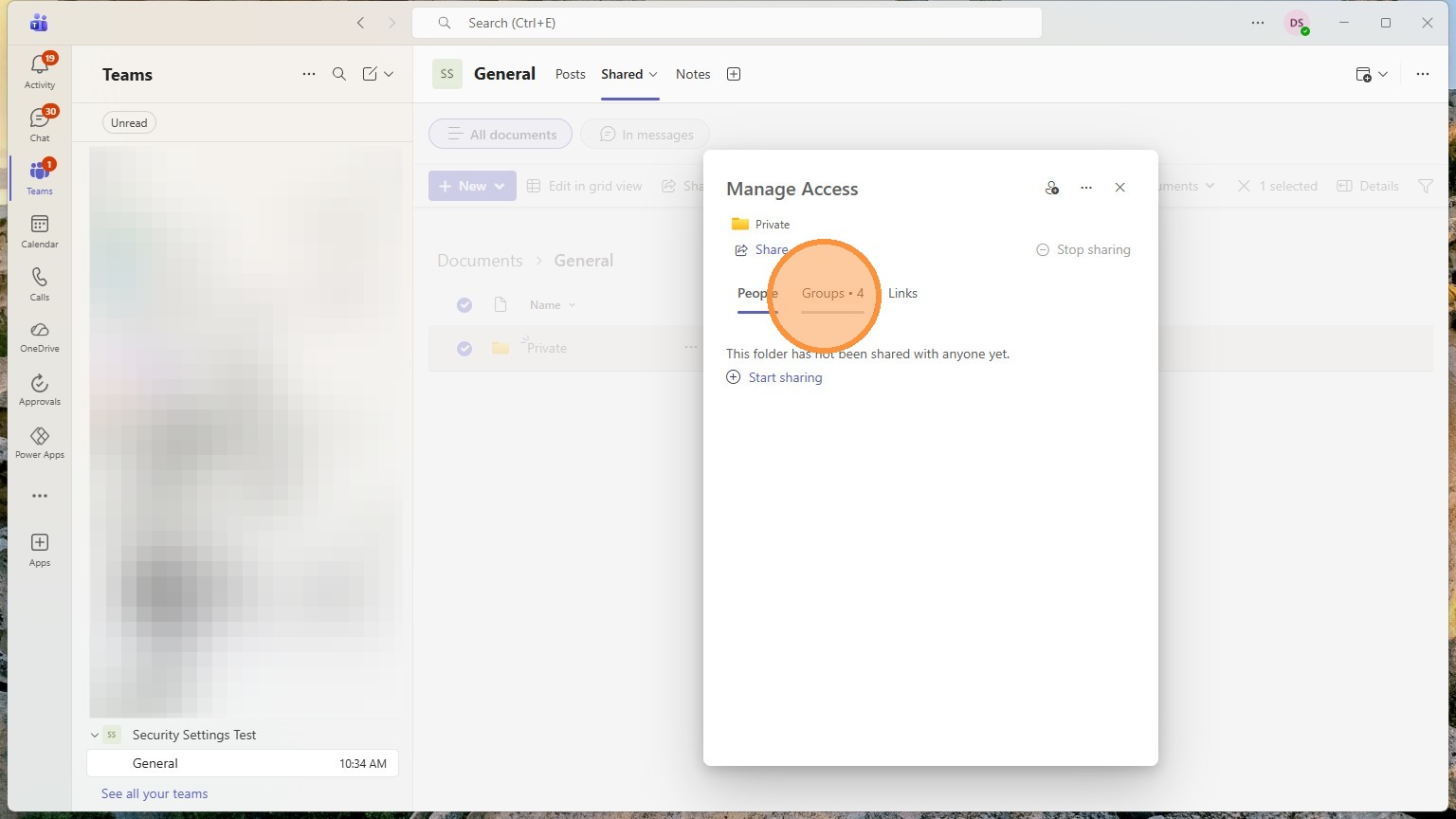
18. Click here
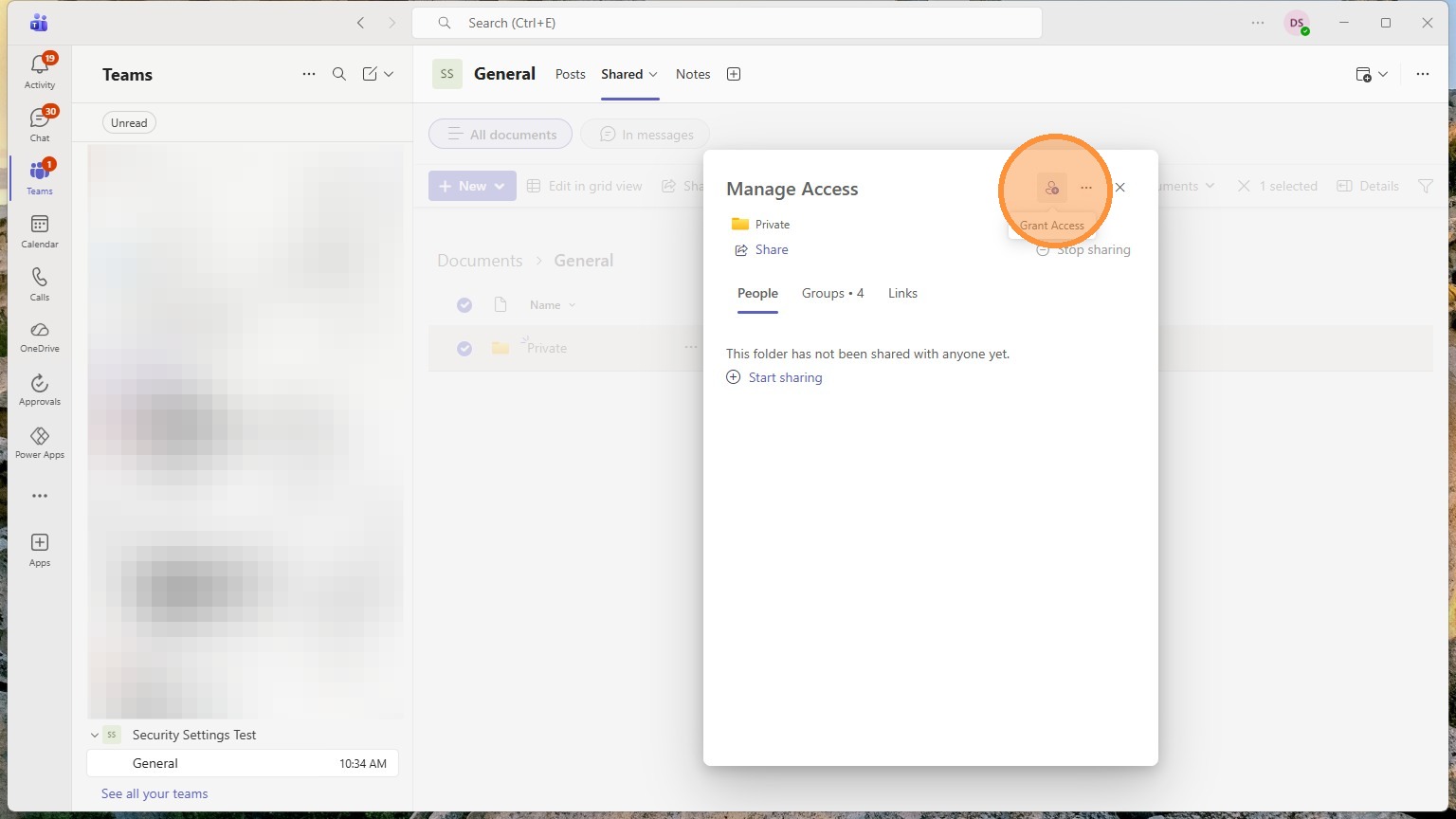
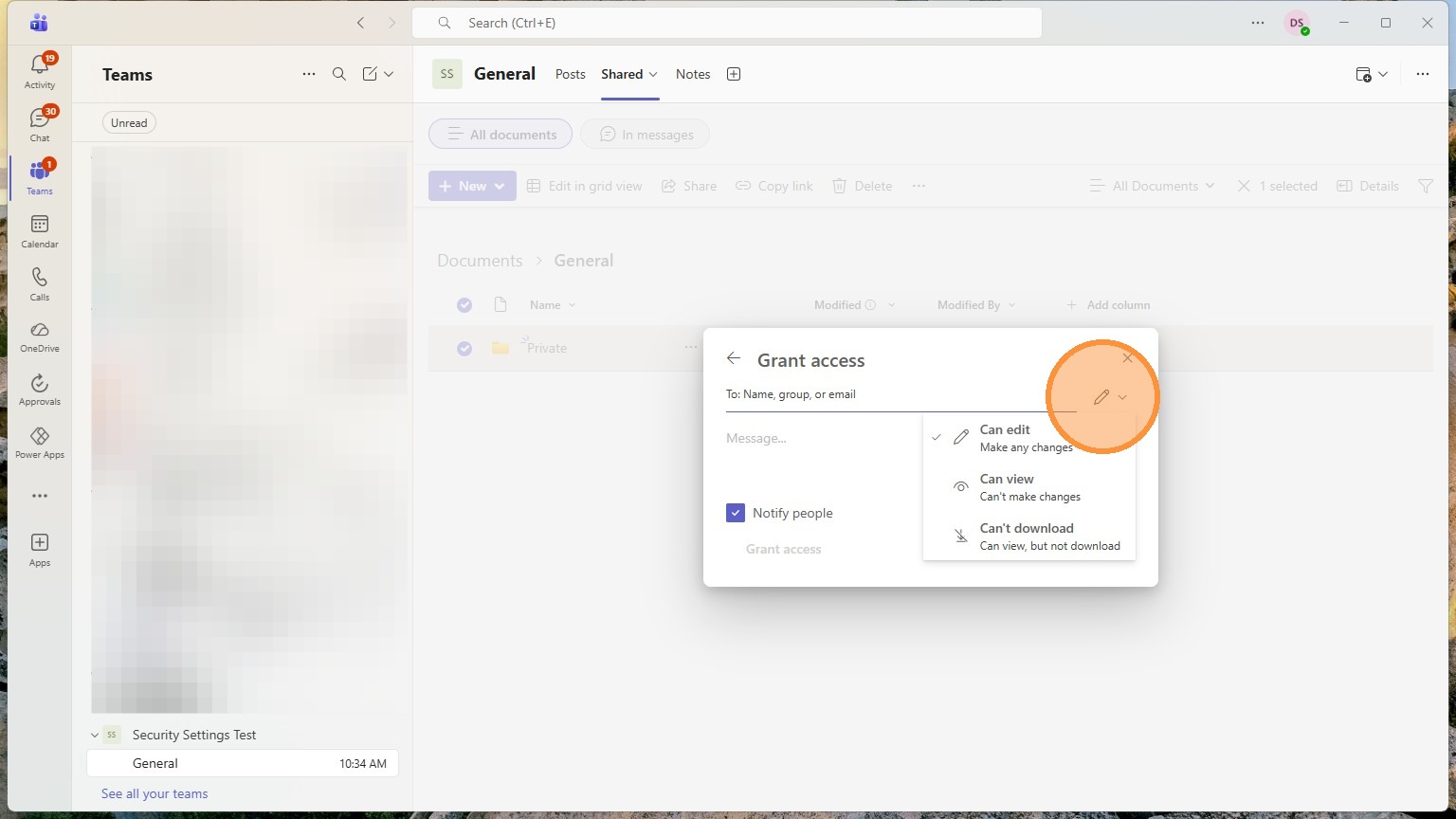
19. Click the pencil to see settings
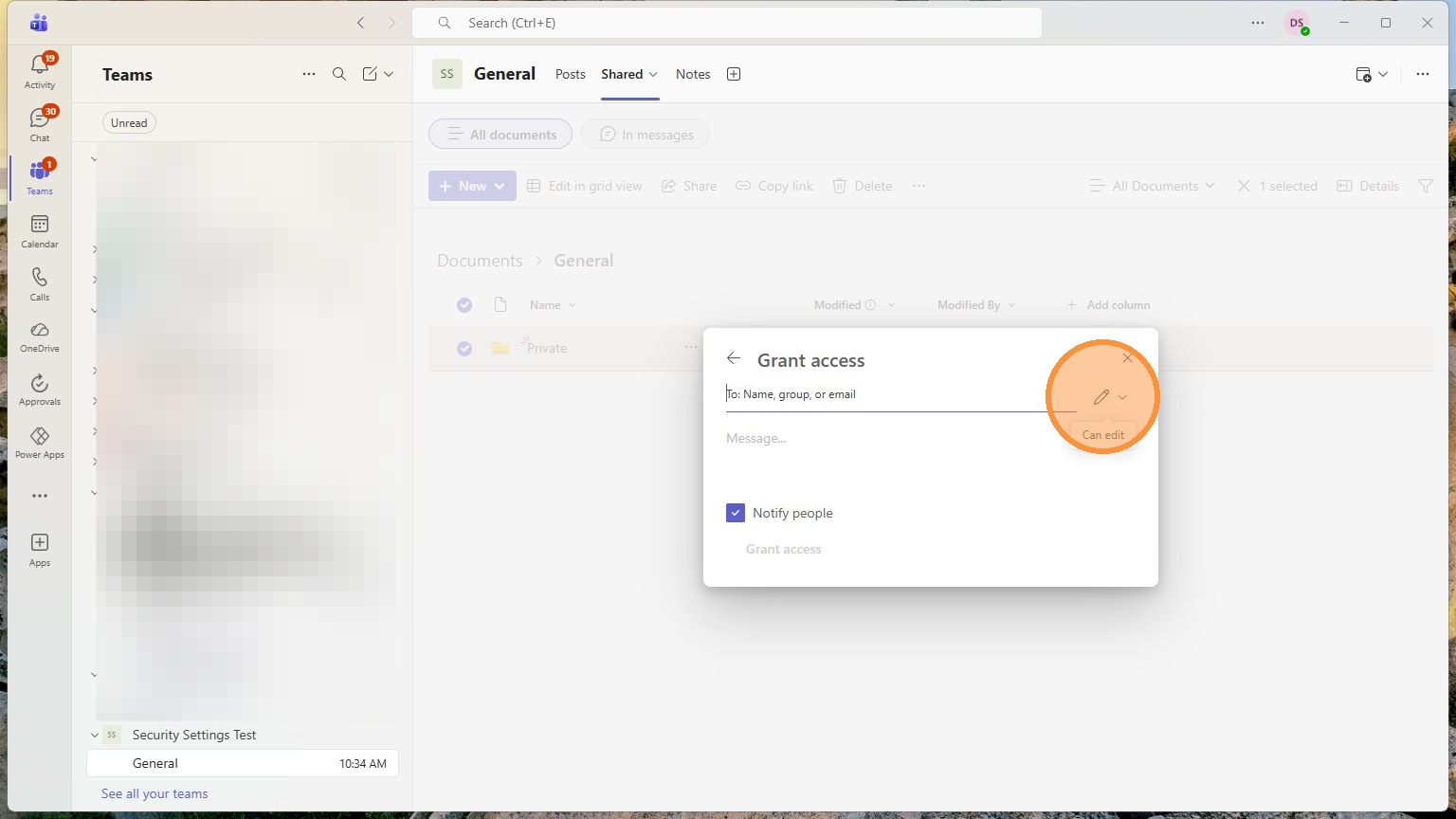
20. Click the role that you want the person or group to have
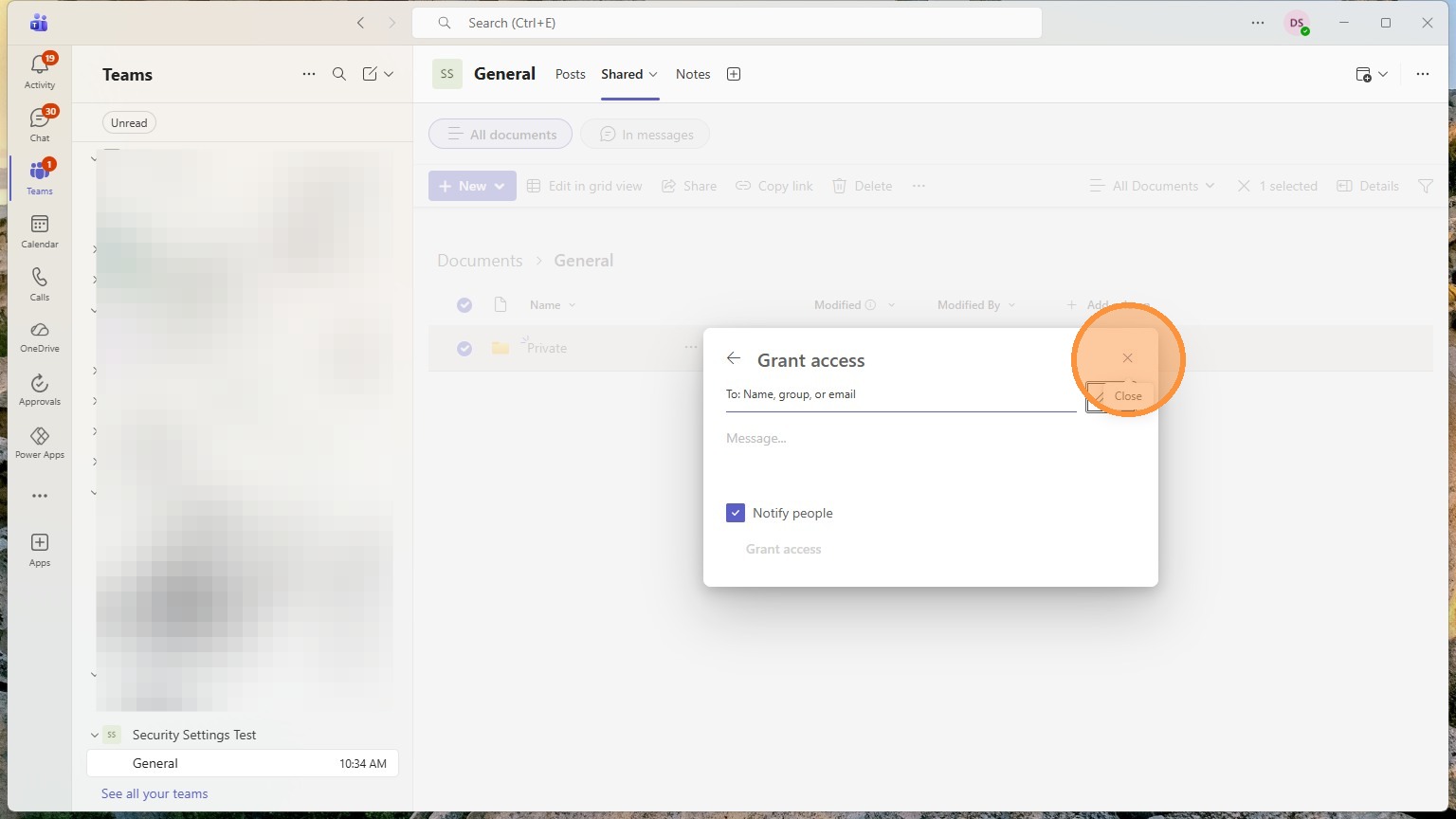
21. Click "Close"
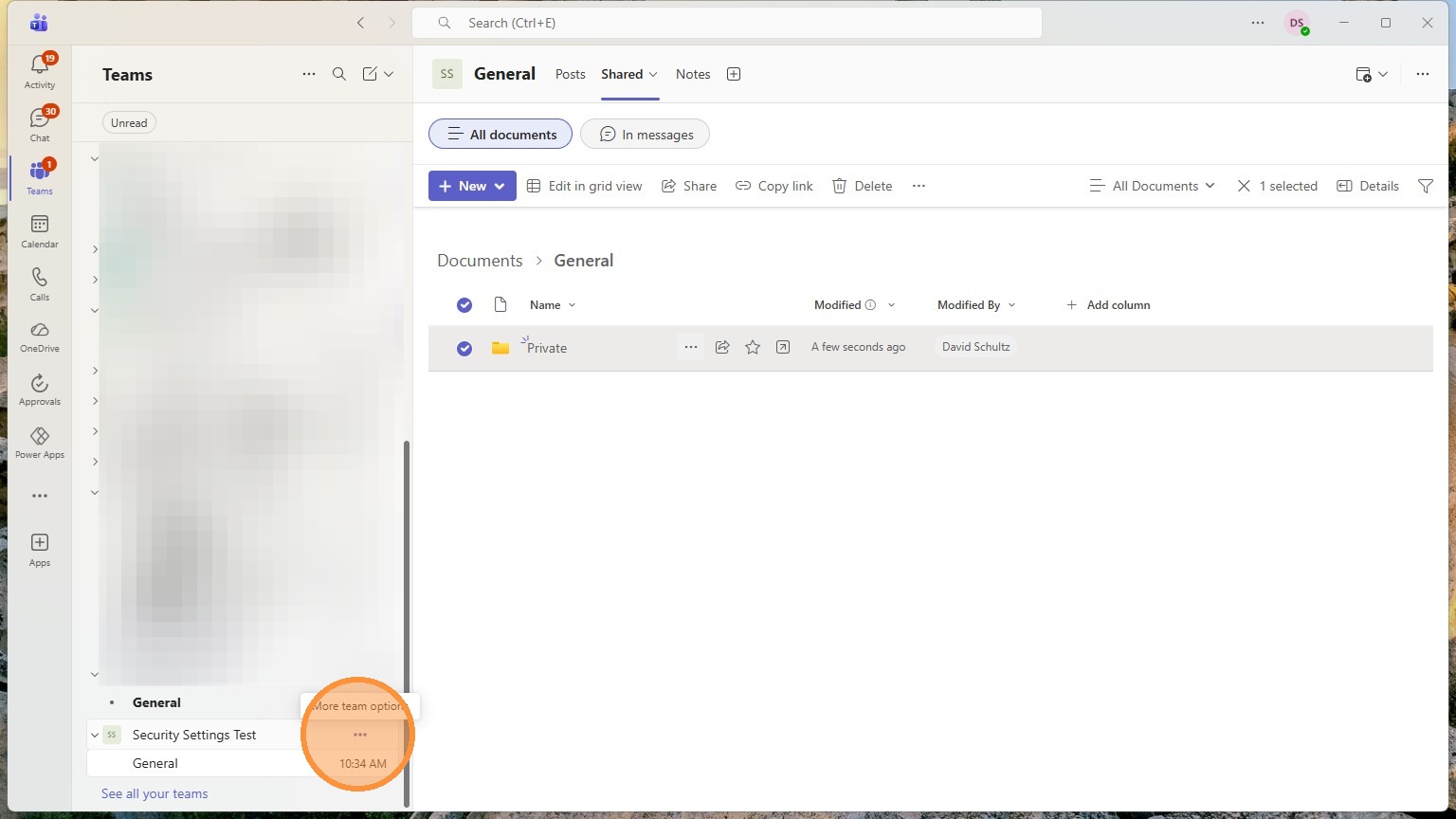
22. Click "More team options"
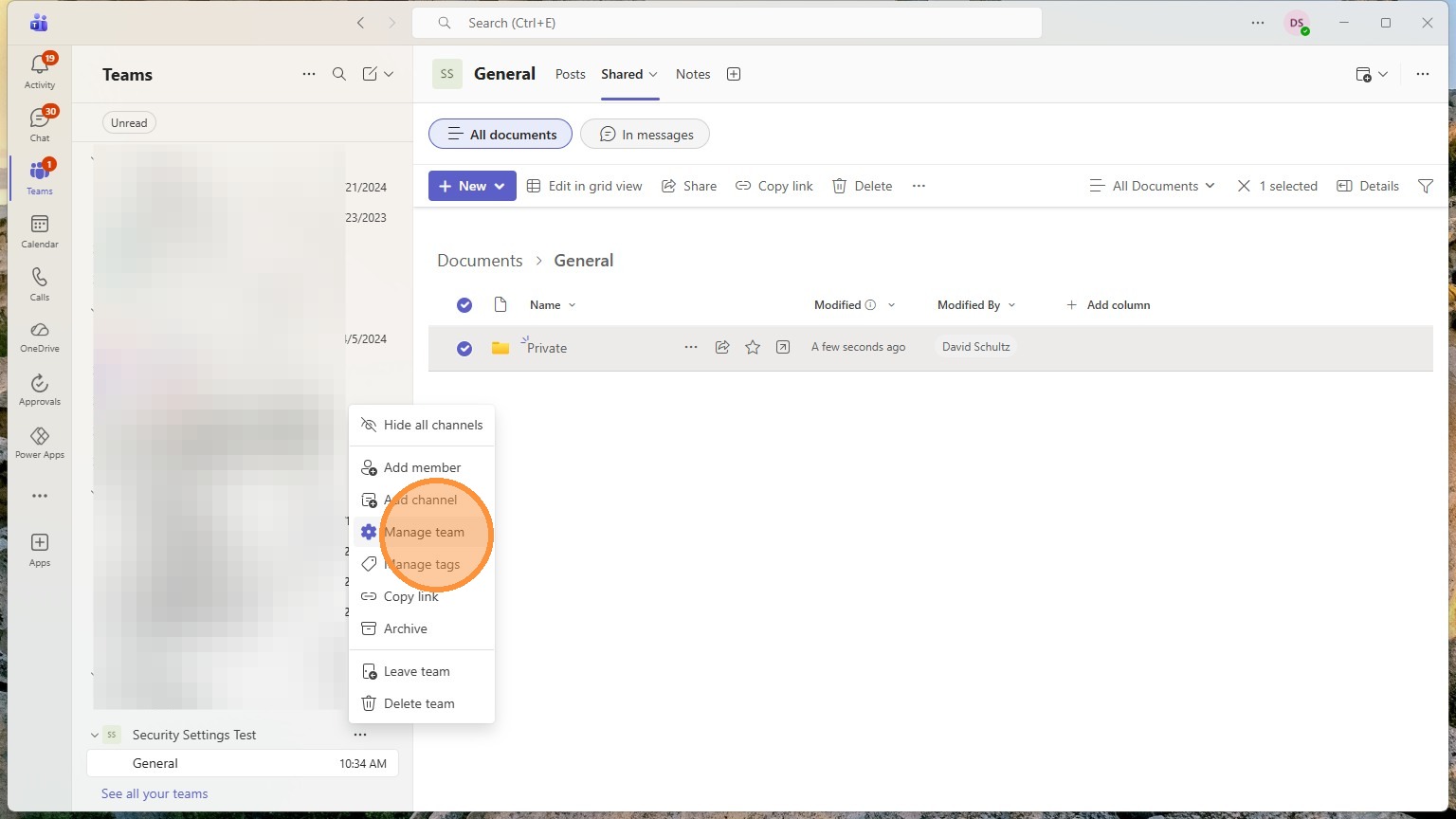
23. Click "Manage team"
24. Click "Members"
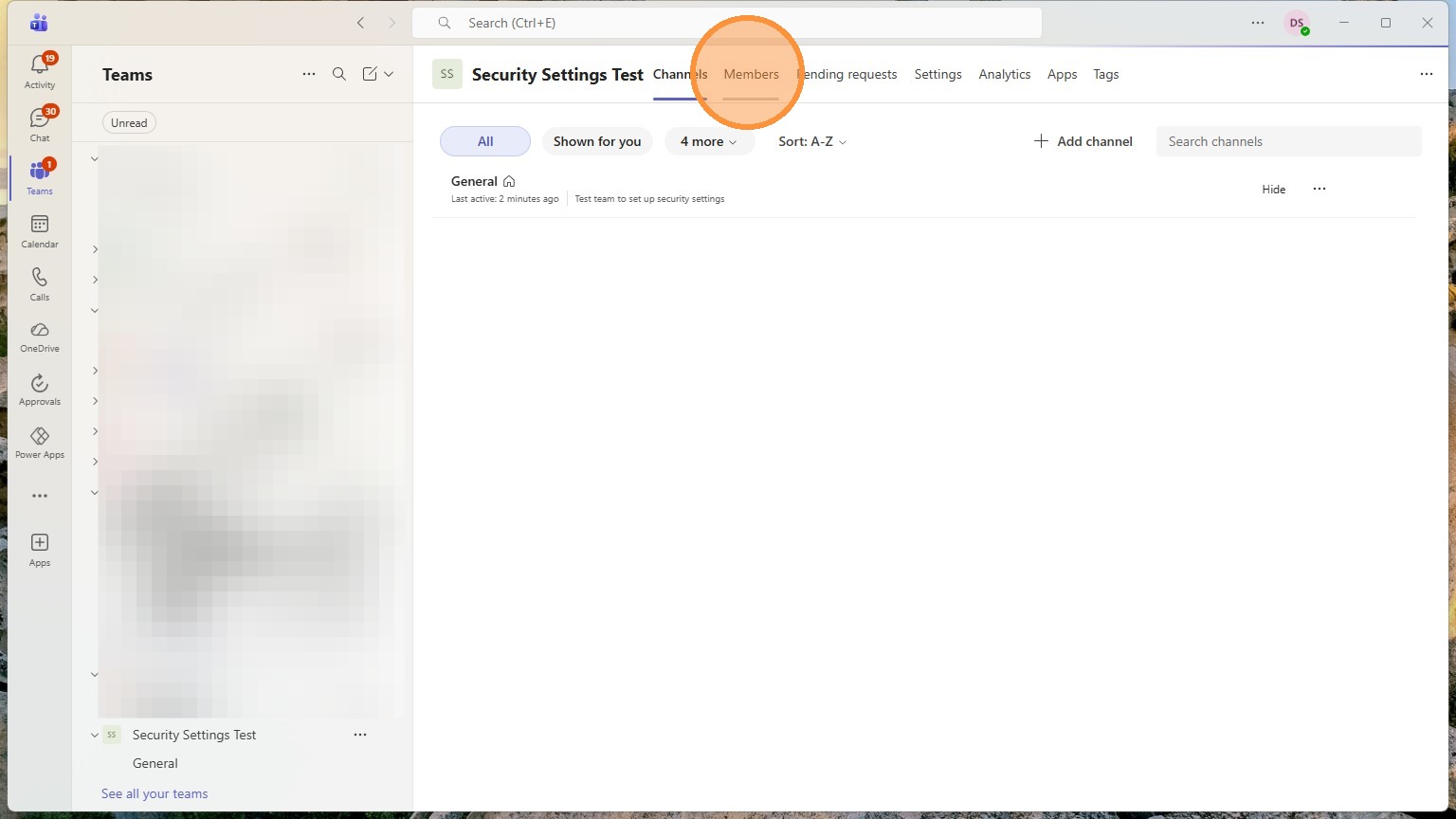
25. Click "Members and guests" This will show everyone that currently has access